
Projects•
5 min read
•Updated October 2026
Creating a Project Step-by-Step
The project workflow in CATTAB uses a structured 3-step wizard designed to capture deliverable specs, contributor assignments, and billing rates in one cohesive flow.
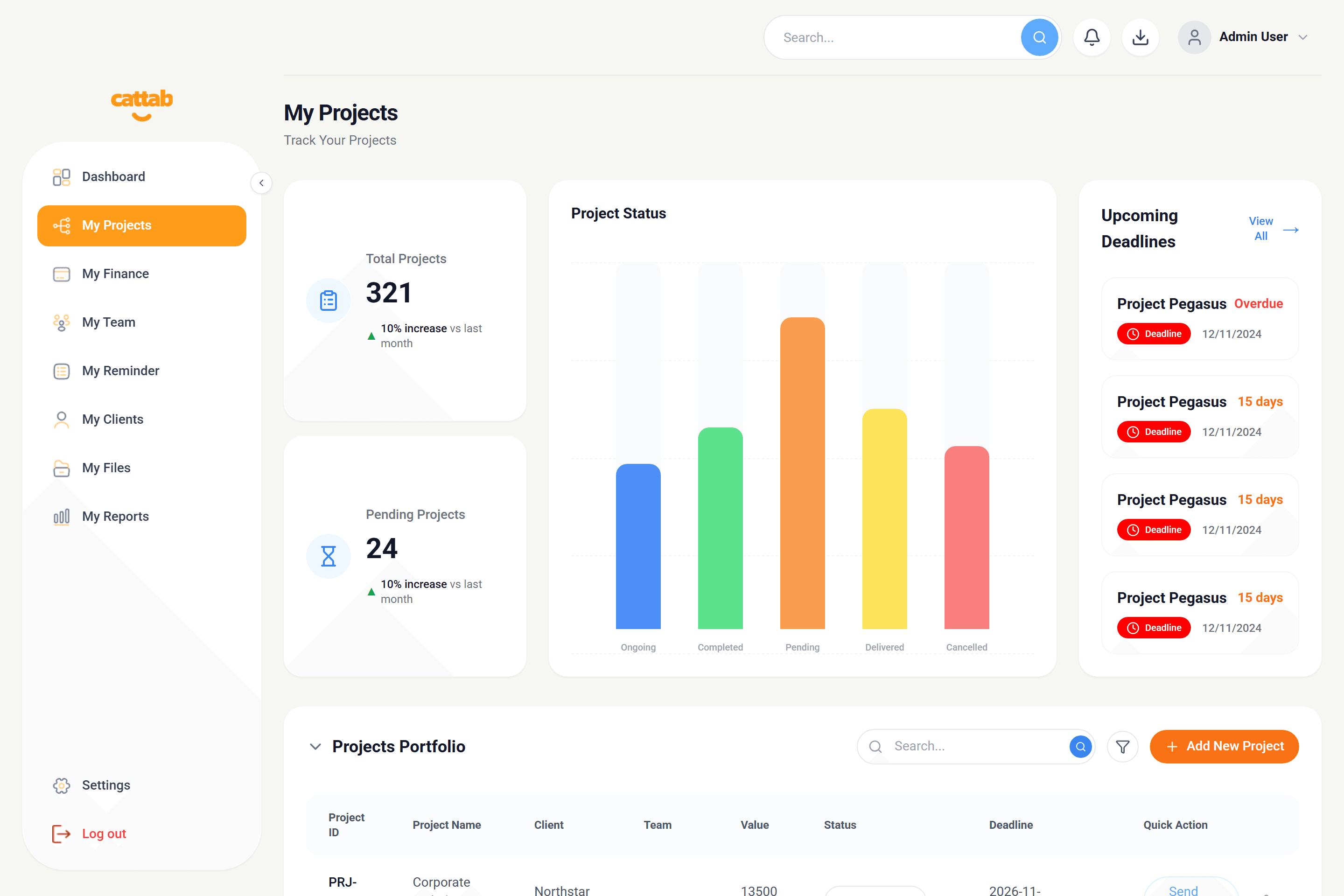
My Projects screen displaying active deliverables, deadline indicators, and team allocation.
Step 1: Project Details
Start by defining the core scope and timeline of the deliverable:
1Click '+ Create Project' in My Projects.
2Project Name: Enter a descriptive project title (e.g. 'Legal Contract Translation').
3Client: Select an existing client from your directory.
4Service: Choose the required service (e.g. Translation, Proofreading, Localization).
5Delivery Priority: Set to 'Normal' or 'Urgent' to reflect turnaround requirements.
6Language Pair: Specify source language code and target language(s).
7Deadline: Set the final delivery date and timestamp.
8Status: Select starting state (Pending, In Progress, Completed, or Cancelled).
Step 2: Team Setup
Assign internal team members or external freelance linguists to the job:
1Click 'Add Team Member' to attach contributors to this deliverable.
2Select the contributor from your registered team directory.
3Define their specific role on this project (e.g. Lead Translator, Proofreader).
4Set their agreed contributor payout rate and currency.
Step 3: Financial Details
Configure how the deliverable is billed to the client:
1Billing Unit: Choose Word, Page, Hour, Minute, or Project fee.
2Volume: Enter the total word count or hours.
3Rate & Currency: Verify the client unit price and billing currency.
4Discount: Apply a percentage or fixed discount if negotiated.
5VAT: Toggle whether tax/VAT is included or excluded.
6Project Expenses: Attach any third-party costs or subcontractor fees.
7Click 'Create Project' to launch the job.
Pro Tip
Entering volume and unit rate automatically computes the total contract value in real time.
Related Guides
Was this guide helpful?
Have feedback or need assistance with your setup? We're here to help.
Get Started with CATTAB
Run your client work from one clear workspace.
Bring projects, client records, team capacity, and finances into a unified operating platform built for fast-moving service businesses.