
Team•
4 min read
•Updated October 2026
Adding a Team Member or Specialist
Manage your internal team and external network of freelance specialists in one centralized registry with verified skills and payout destinations.
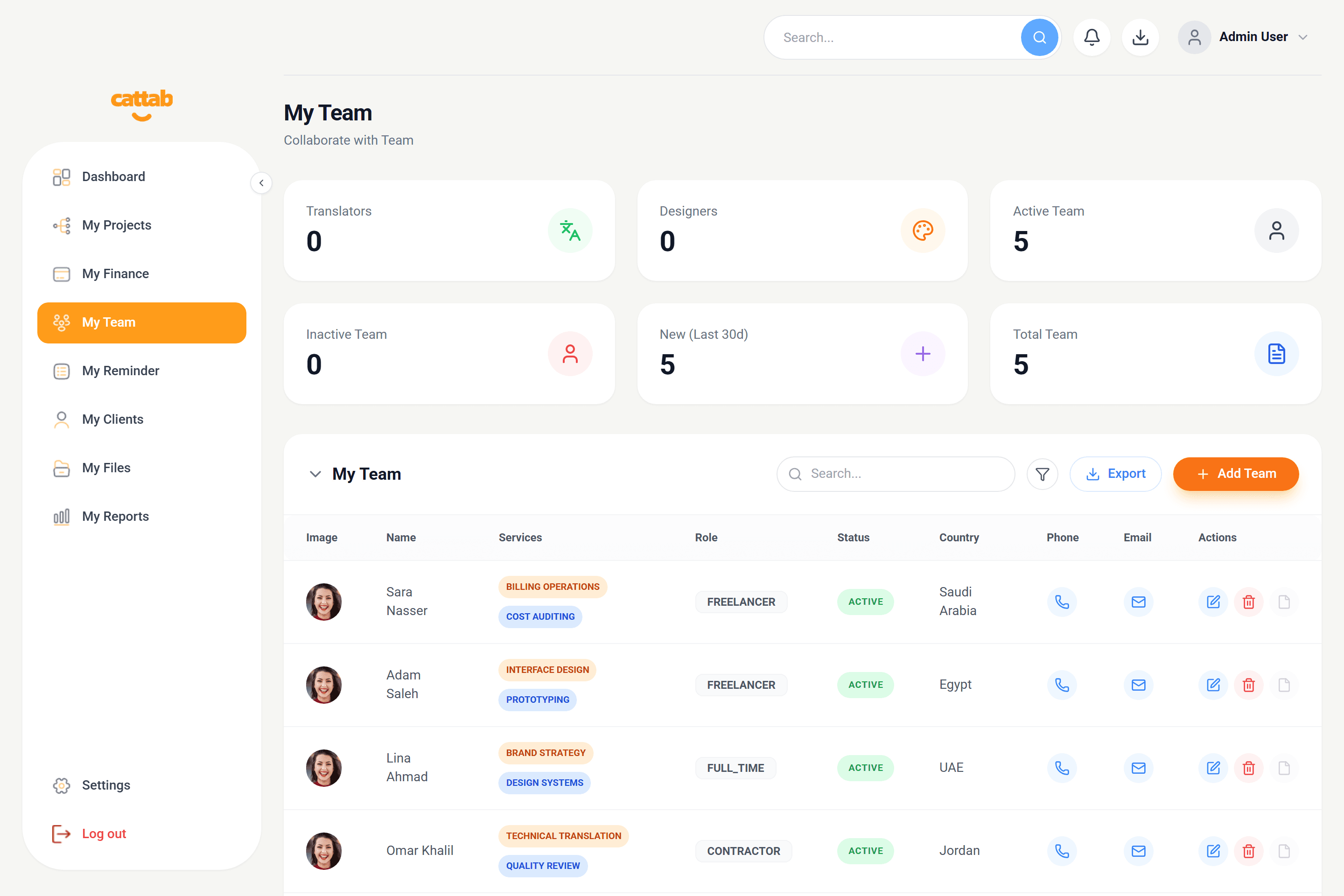
My Team directory showing contributor rosters, appraisal metrics, and payout settings.
Step 1: General Info and CV Upload
To add a new contributor, navigate to My Team and click '+ Add Team':
1Enter Full Name and Professional Email.
2Add Mobile Number with international dial code.
3Specify Country and City of residence.
4Select Employment Type: Fulltime, Part time, Freelancer, or PM.
5Upload optional Profile Photo and CV document for recordkeeping.
Step 2: Services and Agreeds Rates
Document the specialist's competencies and pre-negotiated compensation rates:
1Add Service Name (e.g. Technical Translation, Legal Proofreading).
2Set Payout Rate and measurement unit (Hour, Word, Page).
3Specify standard delivery turnaround (e.g. 2 Days).
Step 3: Payout Details (Bank or PayPal)
Store verified payout destinations so finance managers can disburse compensation accurately:
1Option A - Bank Details: Bank Name, Account Holder Name, Account Number, IBAN, and SWIFT/BIC code.
2Option B - PayPal: Recipient PayPal email address and account name.
3Set active status toggle and click Save.
Pro Tip
Having verified banking information in CATTAB prevents payment errors when closing monthly subcontractor disbursements.
Related Guides
Was this guide helpful?
Have feedback or need assistance with your setup? We're here to help.
Get Started with CATTAB
Run your client work from one clear workspace.
Bring projects, client records, team capacity, and finances into a unified operating platform built for fast-moving service businesses.