
Getting Started with CATTAB
Welcome to CATTAB. This onboarding walkthrough guides you through the foundational layout of your workspace so you can begin organizing clients, projects, and finances immediately.
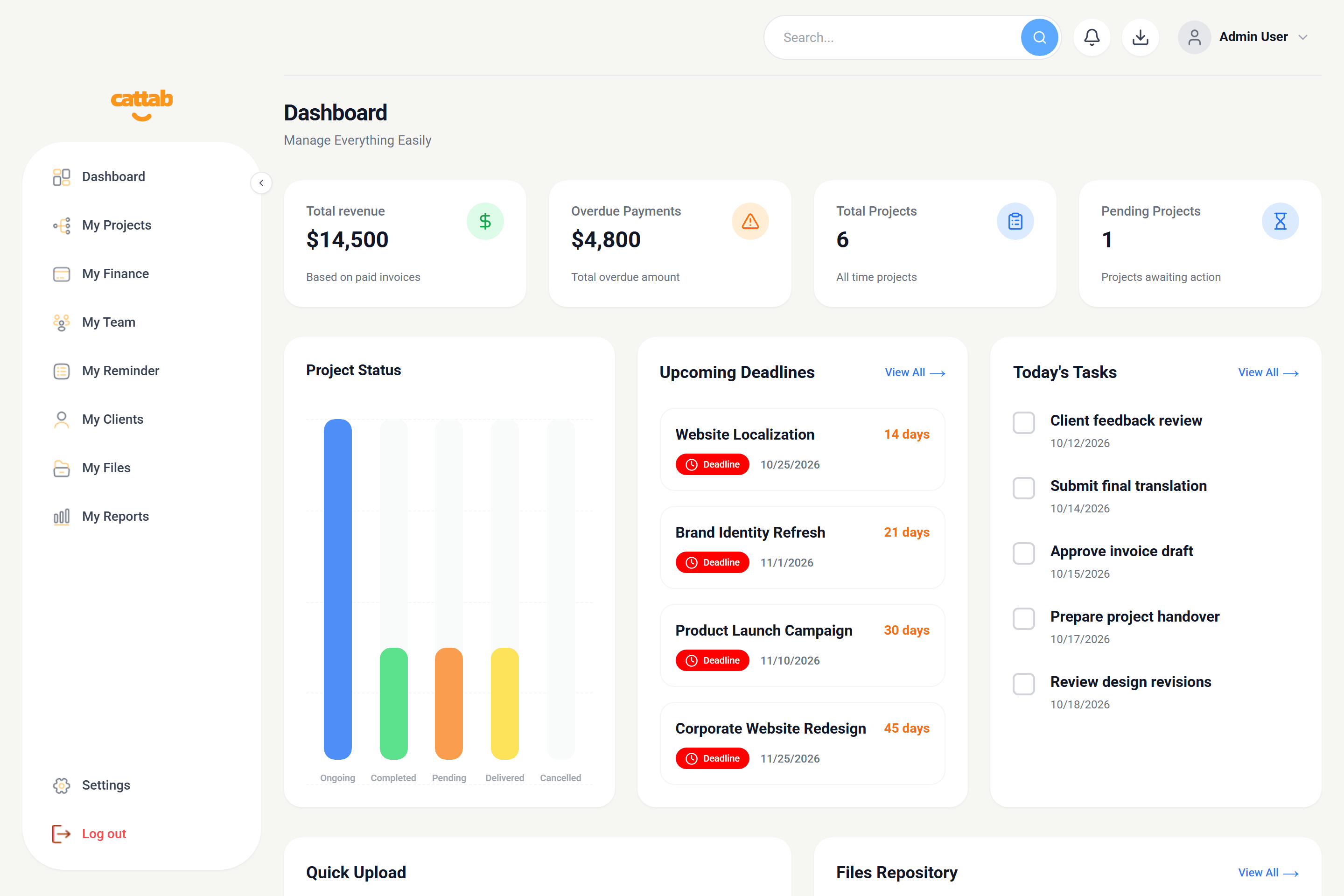
1. Navigating the CATTAB Sidebar
Your CATTAB workspace features a persistent navigation panel on the left side that organizes your operational workflow into specialized functional modules.
2. Recommended First-Day Workflow
To get the most out of CATTAB on your first day, we recommend completing setup in this specific sequence:
Setting your default billing currency and unit in advance ensures all new client records and projects populate automatically.
Related Guides
Was this guide helpful?
Have feedback or need assistance with your setup? We're here to help.
Run your client work from one clear workspace.
Bring projects, client records, team capacity, and finances into a unified operating platform built for fast-moving service businesses.